
Learn common device topics with simple guides —
No complicated steps, no confusion.

- Netgear Gateway Setup
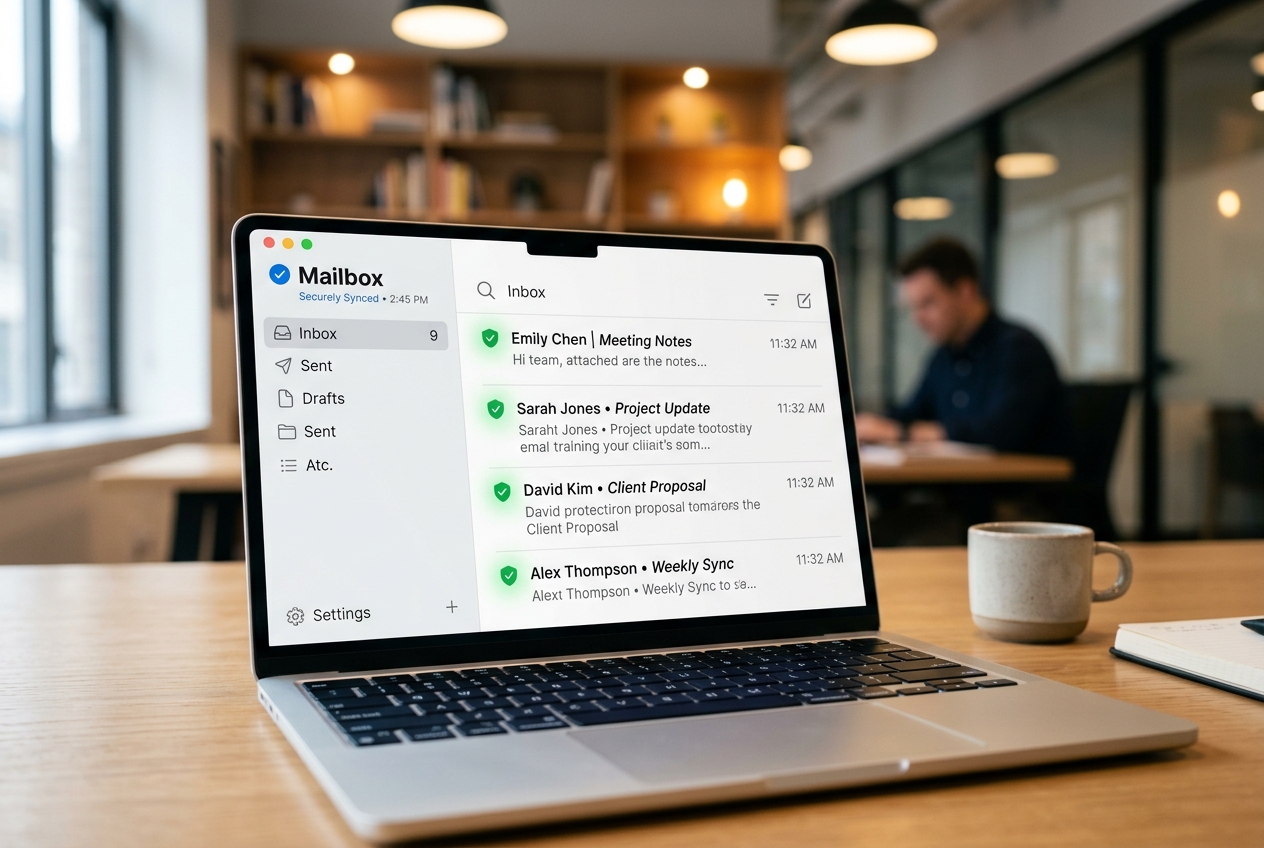
- Outlook SMTP Sync
- PC RAM Speed Tuning
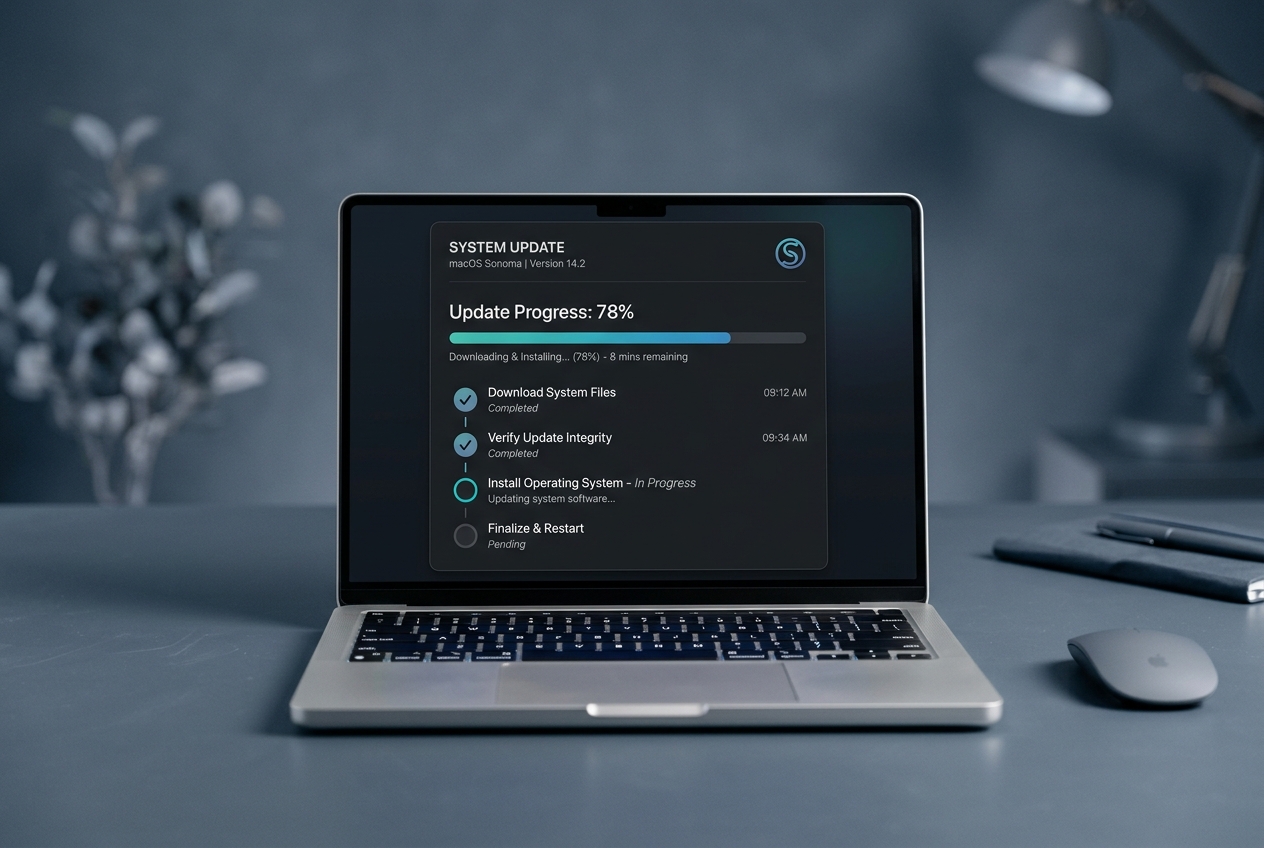
- Windows Update Security Patches
- Epson Offline Recovery
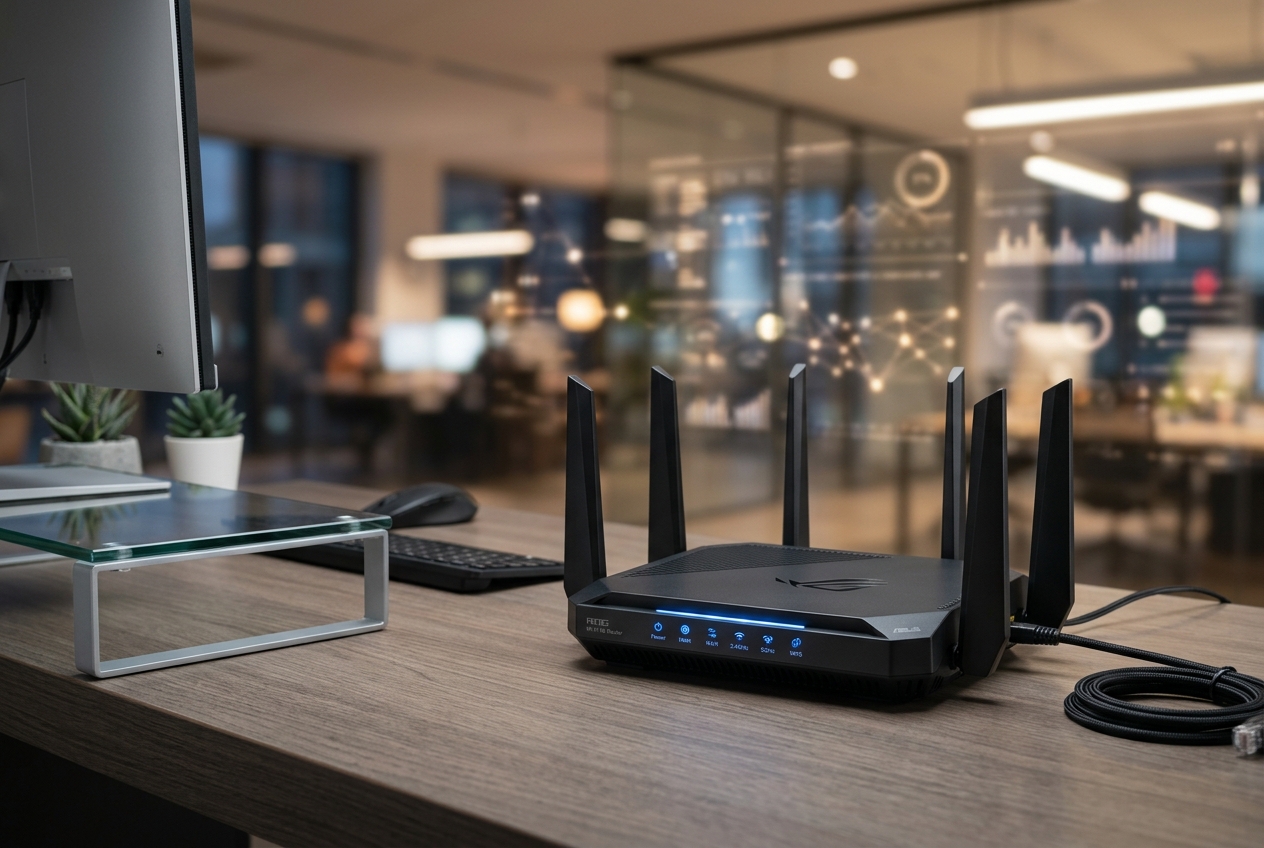
- Linksys WPA3 Keys
- IMAP Connection Repair
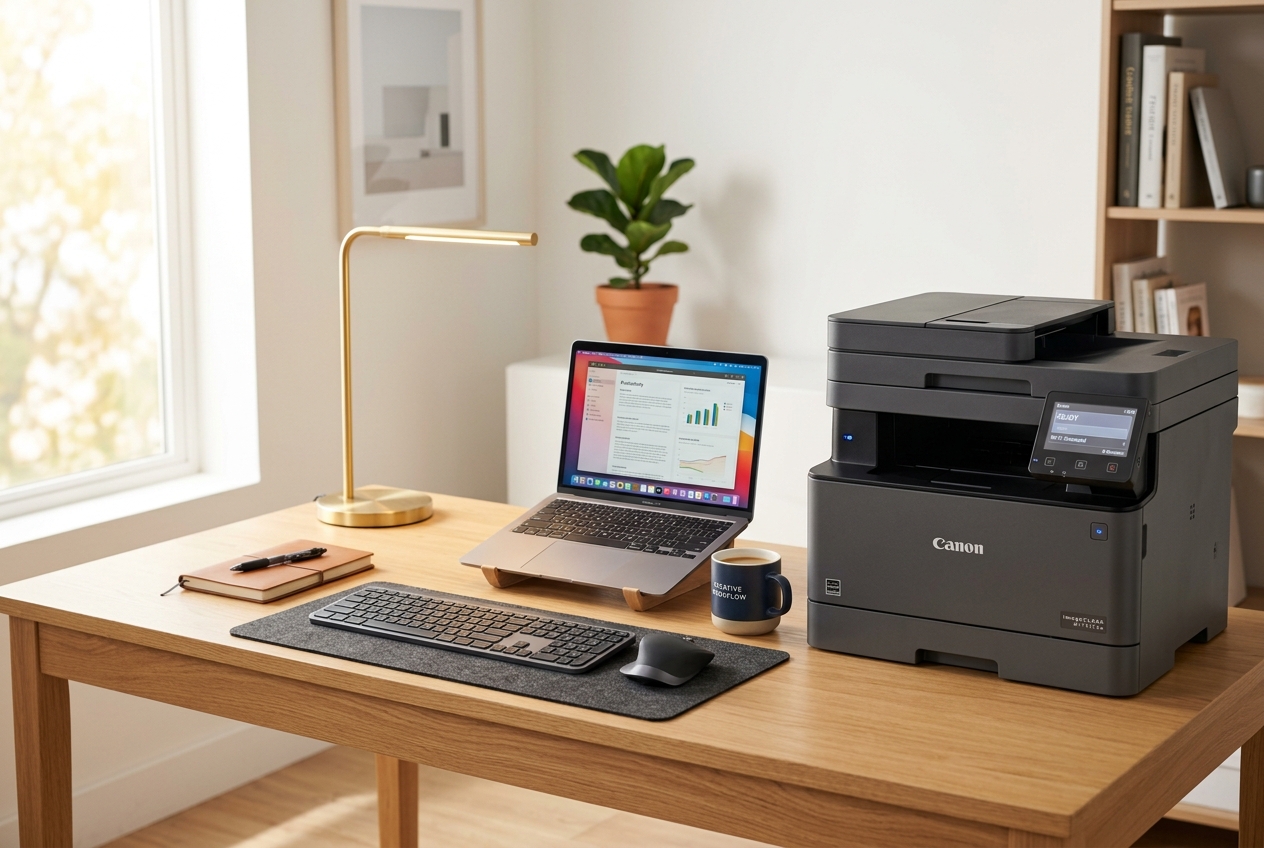
- Canon Spooler Repair
- ERROR: PRINTER OFFLINE status queue spooler
- CONFIG: 192.168.1.1 address ping test
- WARN: HIGH CPU 100% boot task lag
- SYNC: IMAP SSL PORT 993 Handshake error recovery
- SYS: CODE 0x800f081f Update service logs repair
Simple Device Learning
Printer & Router Fixes
Step-by-Step Readings
Your Path To Better Driver Understanding
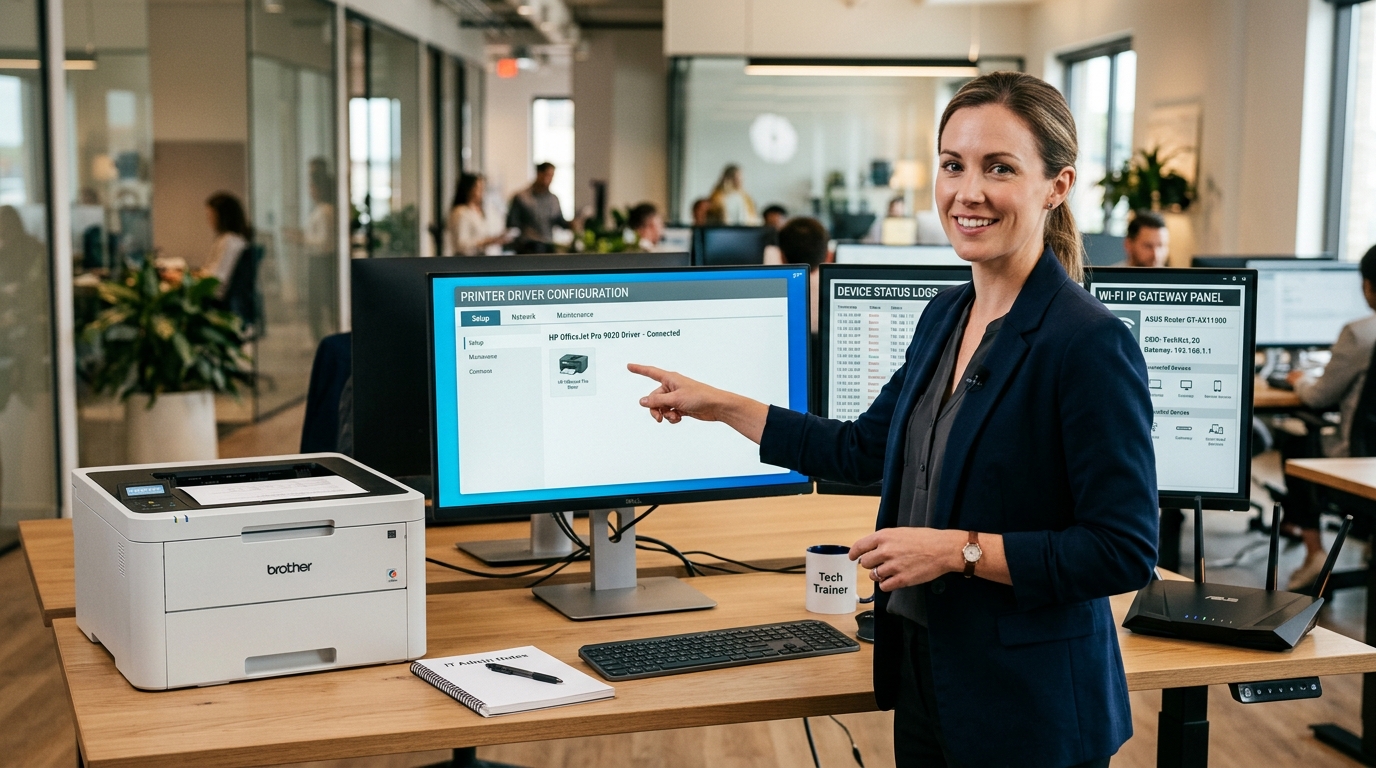
Learn what device drivers do, why printer or network status changes, and how common system messages are usually understood.
Verify Printer Spooler
Learn queue & offline behaviors.
Spooler Service (stuck)
Gateway Ping Route
Understand IPs & Wi-Fi signals.
Wi-Fi SSIDs Check
Server SSL Port Sync
Debug SMTP & IMAP ports.
Syncing Mail Folders
Kernel Resources Loop
Audit CPU load & memory leaks.
Registry & Temp Clean
Active Device Symptom Finder
Match your current hardware behavior or operating system error messages with verified error states to instantly locate the correct troubleshooting guide.
- All
- Printer Guides
- Router & Wi-Fi
- Email Basics
- Slow Computer
- Windows Updates
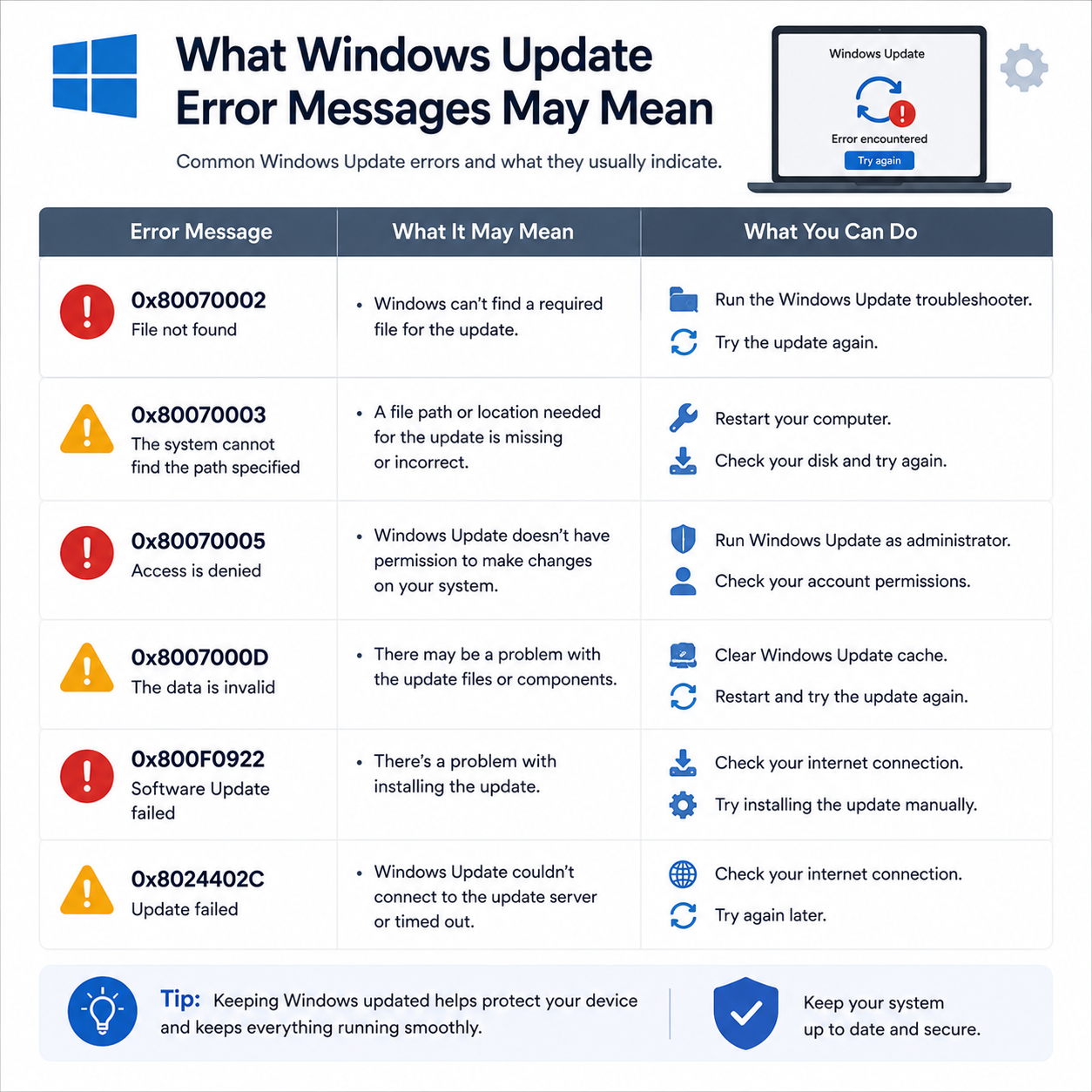
Received error codes like 0x800f081f or 0x80070002?
Update history shows a list of failed installations with numeric error codes instead of success.
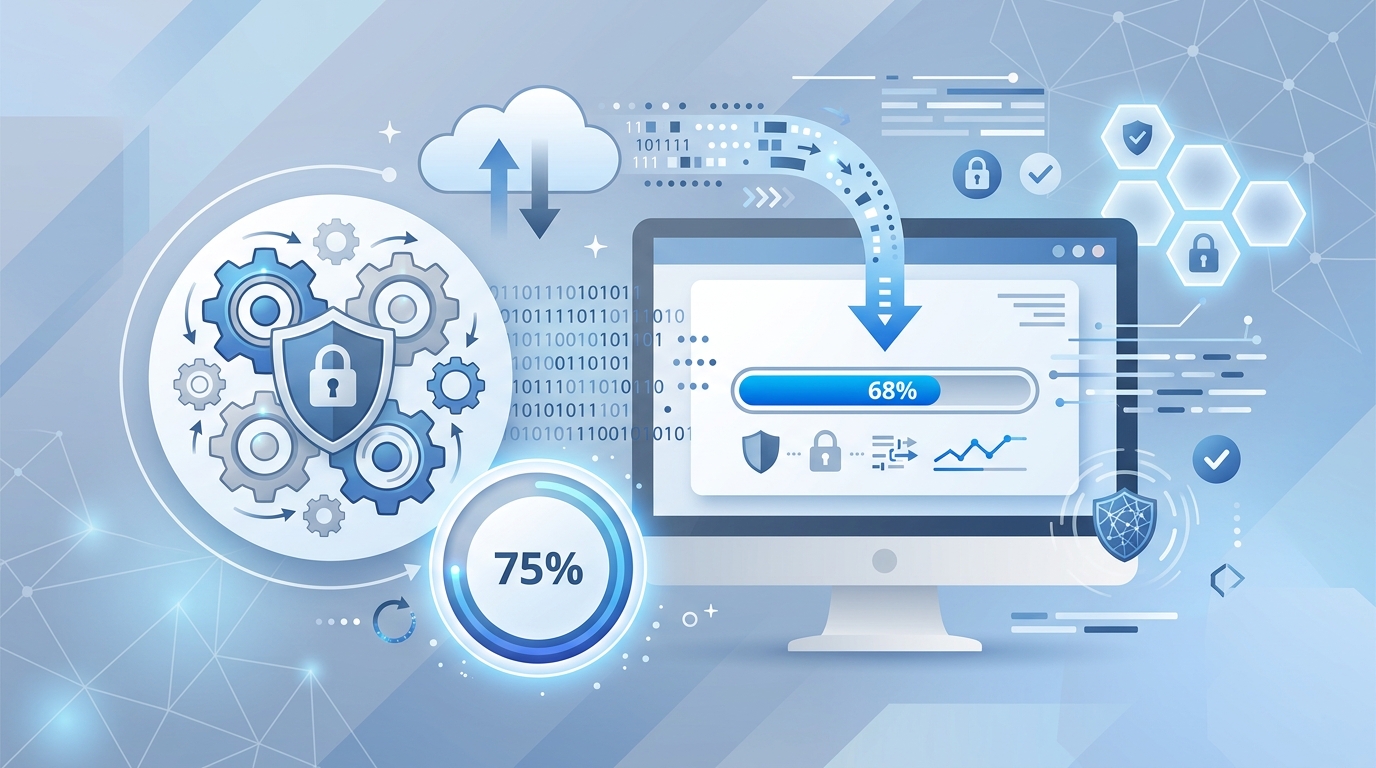
Windows Update screen stuck at 99% or failing to progress?
The progress screen halts for hours, or displays "Undoing changes" after restarting.
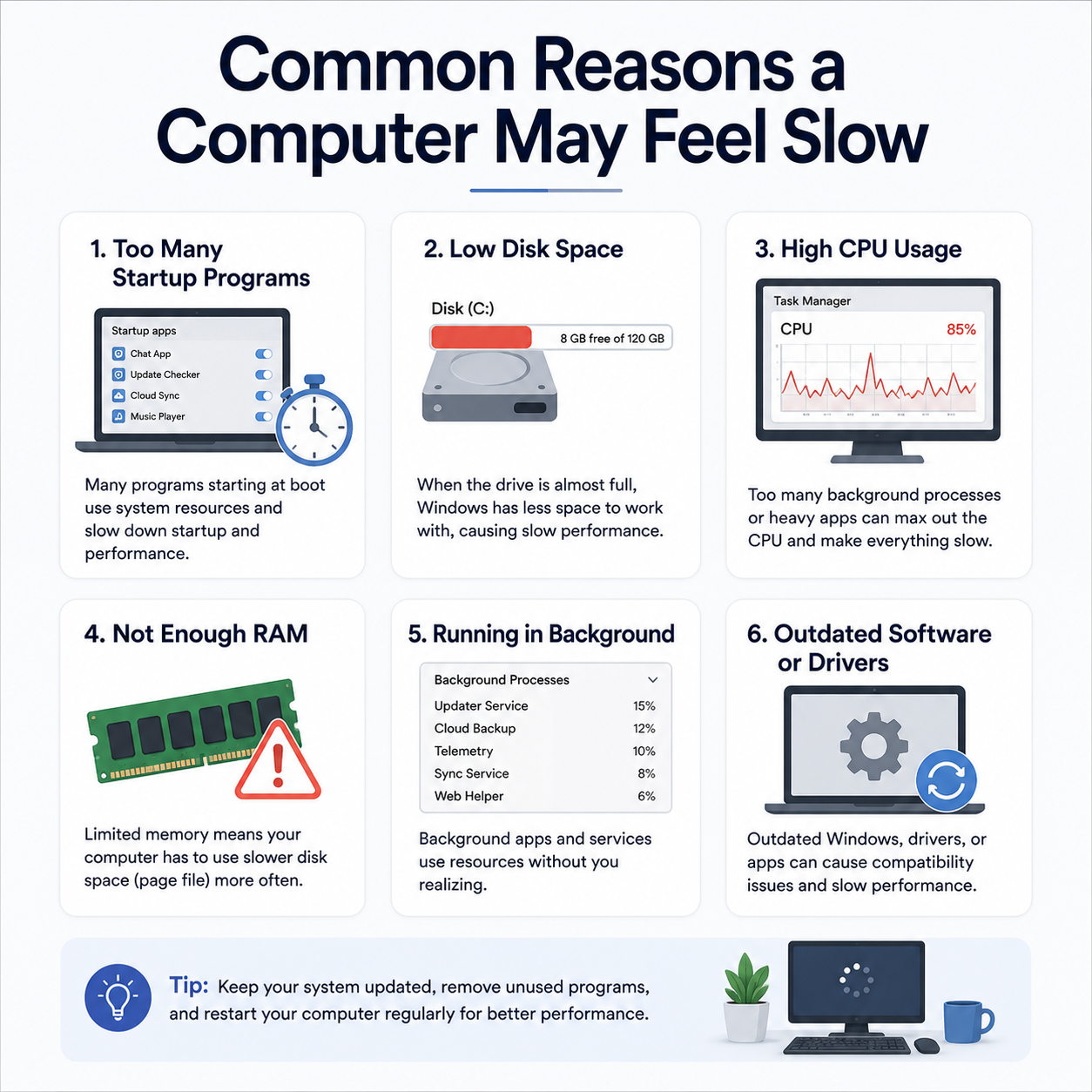
Computer takes too long to load apps after turning on?
Windows loads very slowly, and the desktop icons or taskbar remain frozen for several minutes after login.
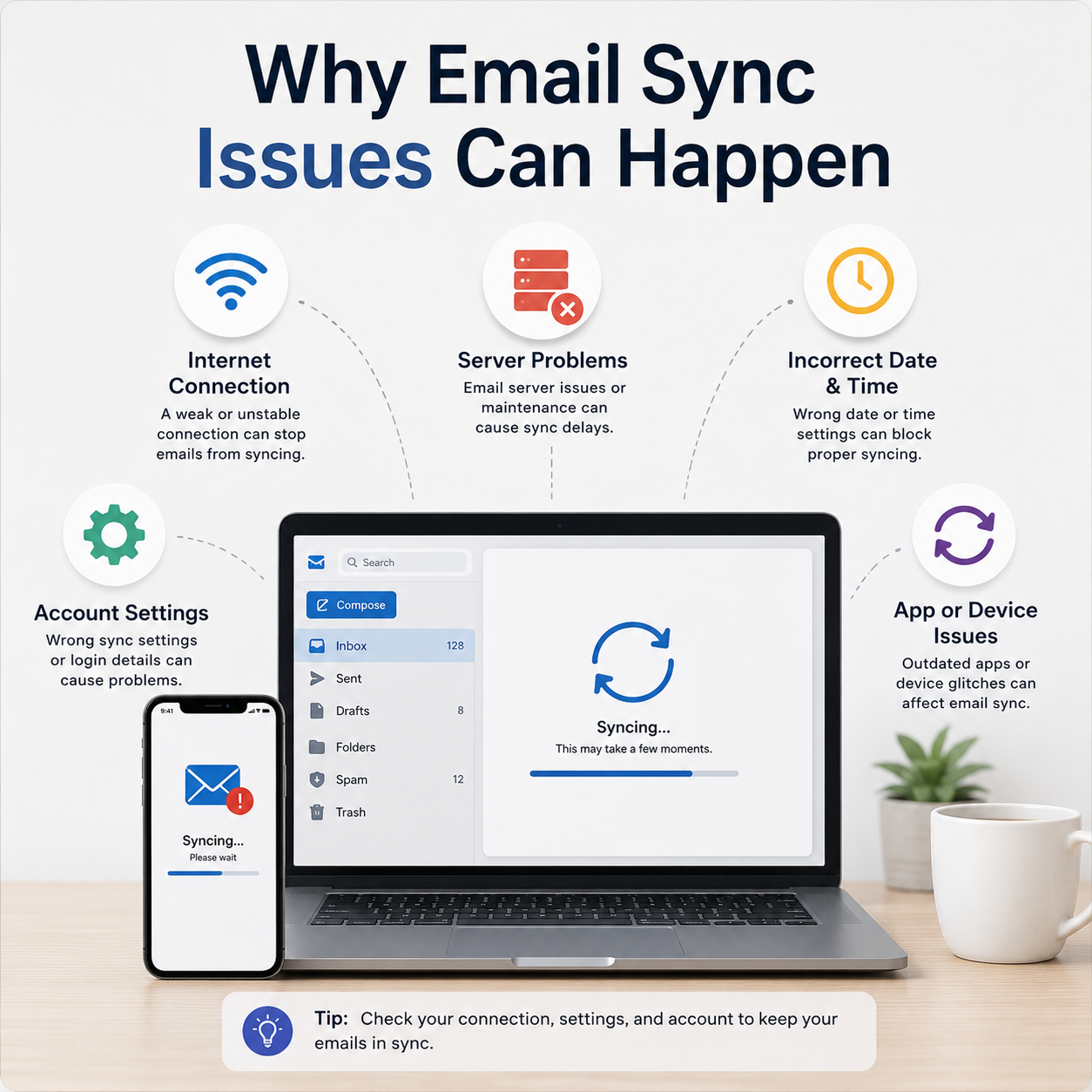
Outlook or Mail app displays connection sync errors?
Mail folders fail to synchronize, incoming emails are delayed, or credentials prompt repeatedly.

Router settings page (192.168.1.1) fails to open?
Unable to access the default login panel of your router in a browser to manage network settings.
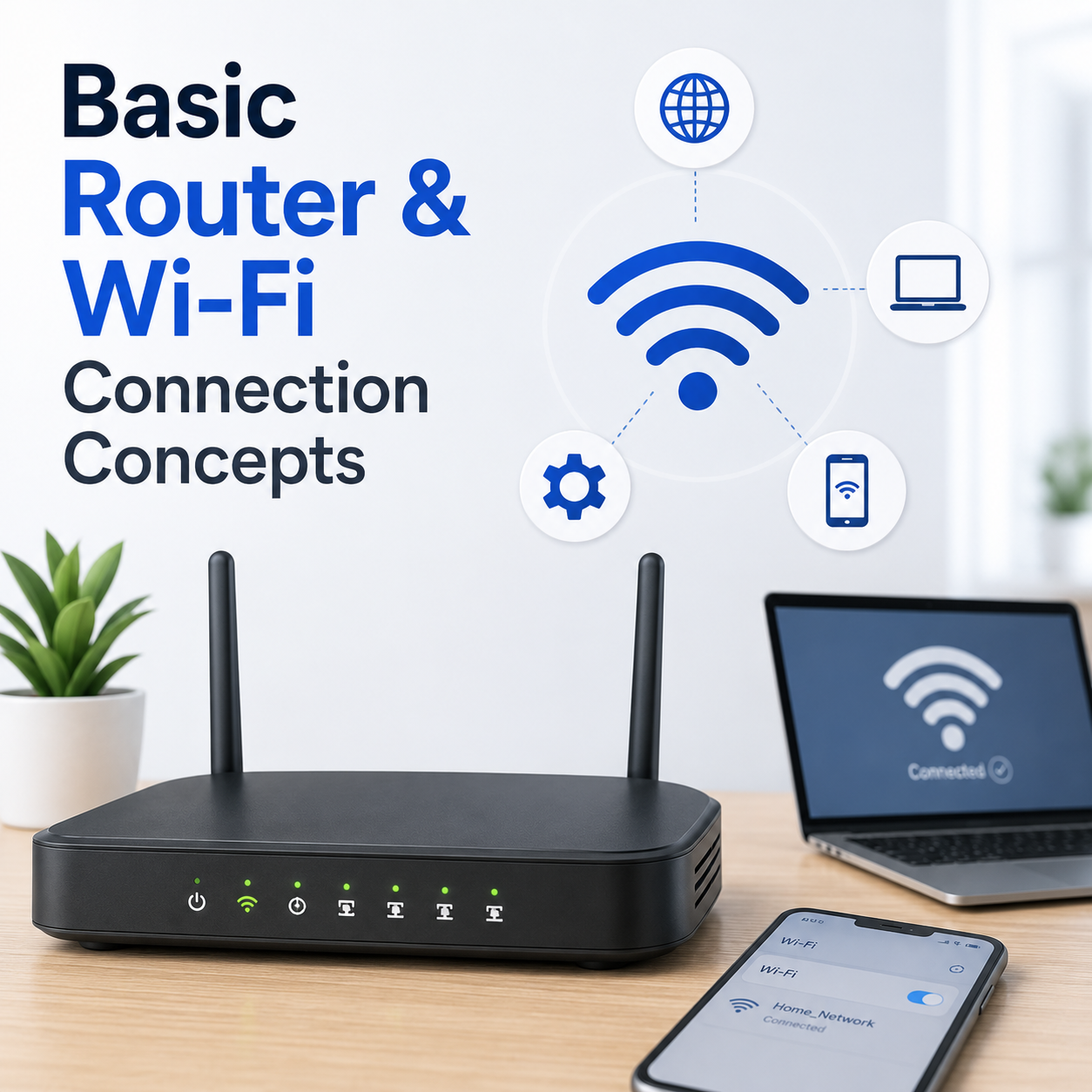
Wi-Fi displays as "Connected, No Internet Access"?
Your laptop or phone connects successfully to the Wi-Fi signal, but web pages fail to load or show DNS errors.
Print queue is frozen and tasks won't delete or clear?
Documents are stuck in the print queue status bar, preventing any new print jobs from processing.
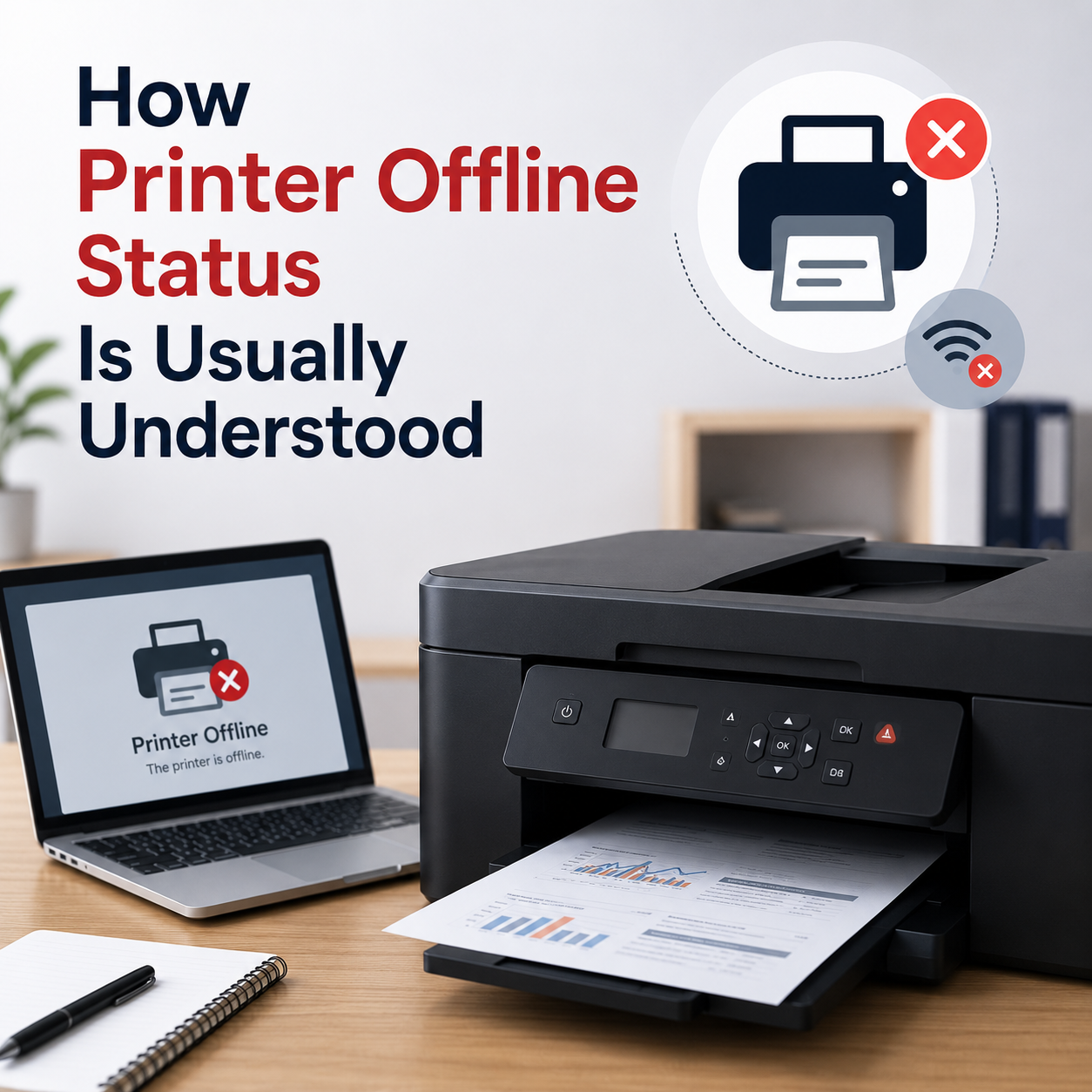
HP or Canon printer status displays as "Offline"?
Your printer is powered on and connected to the cable or Wi-Fi, but the computer shows it as offline or unreachable.
A clean, quiet space to understand your tech.
Snappy Guide is an independent reference library. We explain printer connections, Wi-Fi gateway setups, email server syncs, system resources audit, and OS updates without the clutter of paid ads or sales pitches.
Beginner Friendly
Step-by-step guides structured so you can follow troubleshooting processes without confusion.
100% Free Library
No credit cards, no login, no paywalls. Access diagnostic information completely free of charge.
 // EDUCATION-FIRST
No remote support logins or phone callbacks.
Free & Active
None Offered
Blocked
Educational
Frequently Asked Questions

Understanding how our educational runbooks work, which topics are actively covered, and what services we explicitly block.
Is Snappy Guide a technical support service?
No. Snappy Guide is an independent educational library. We write runbooks and self-guided diagnostics. We do not offer phone callbacks, remote logins, software downloads, or technician dispatch.
What tech topics does this library cover?
You can access beginner-friendly readings about printer setups, Wi-Fi router gateways, email server settings, computer speed tuning, and Windows update messages.
Do the guides explain printer offline statuses?
Yes. Printer articles cover fundamental concepts such as print job queue behavior, print spooler restarts, Wi-Fi connections, and interface cabling.
Do the guides explain Windows Update codes?
Yes. Our OS articles outline concepts like pending updates, installation loops, restart schedules, and update registry folders.
Are there any paid troubleshooting programs offered?
No. We provide free educational awareness articles only. We do not host remote login tools, request callback numbers, or offer paid diagnostics.
Latest learning articles from the library.
Browse clean, step-by-step readings about printer connections, Wi-Fi router settings, and email account sync.
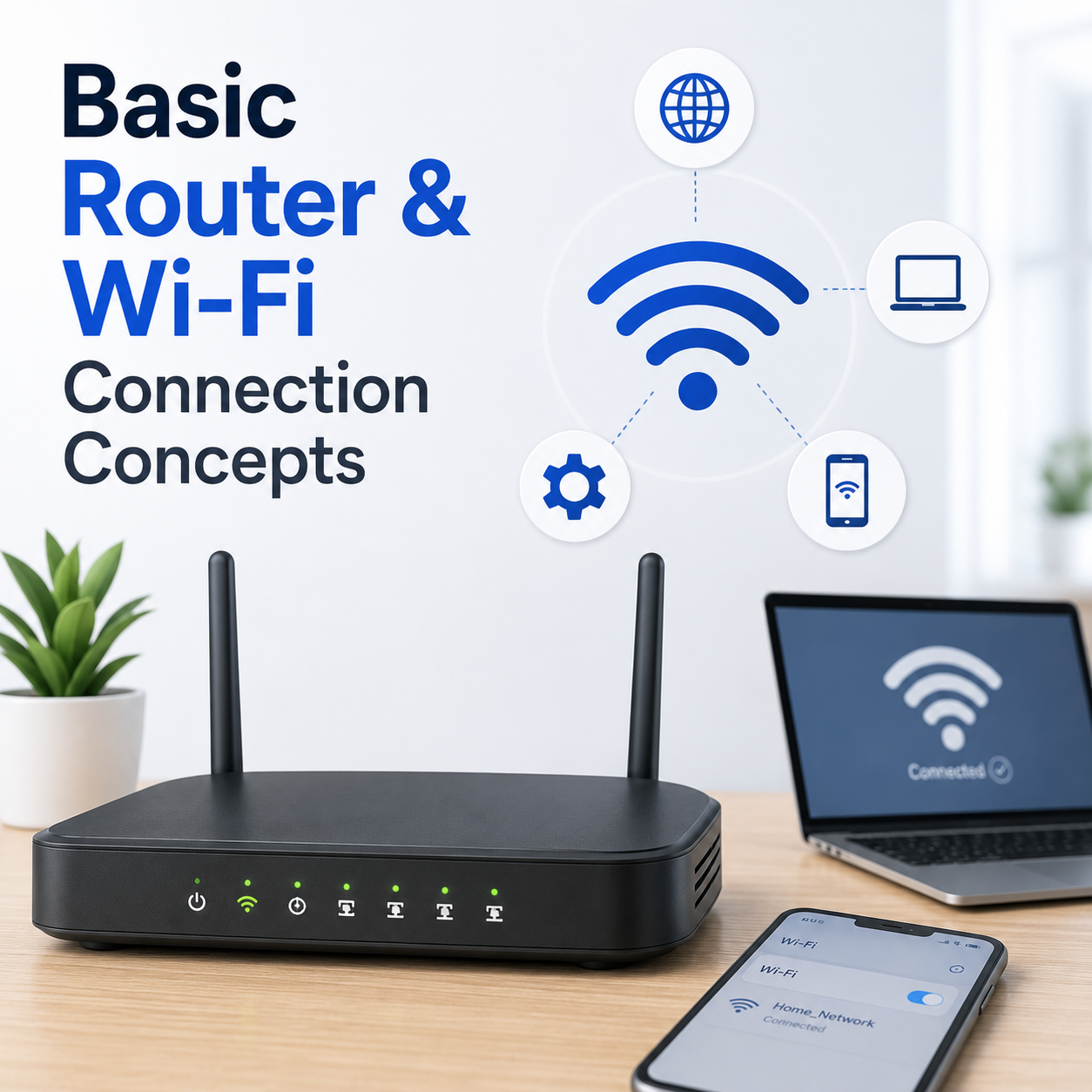
Basic Router and Wi-Fi Connection Concepts
Understand Wi-Fi signals, router lights, network names, connection status, connected devices, and common limited connectivity messages.
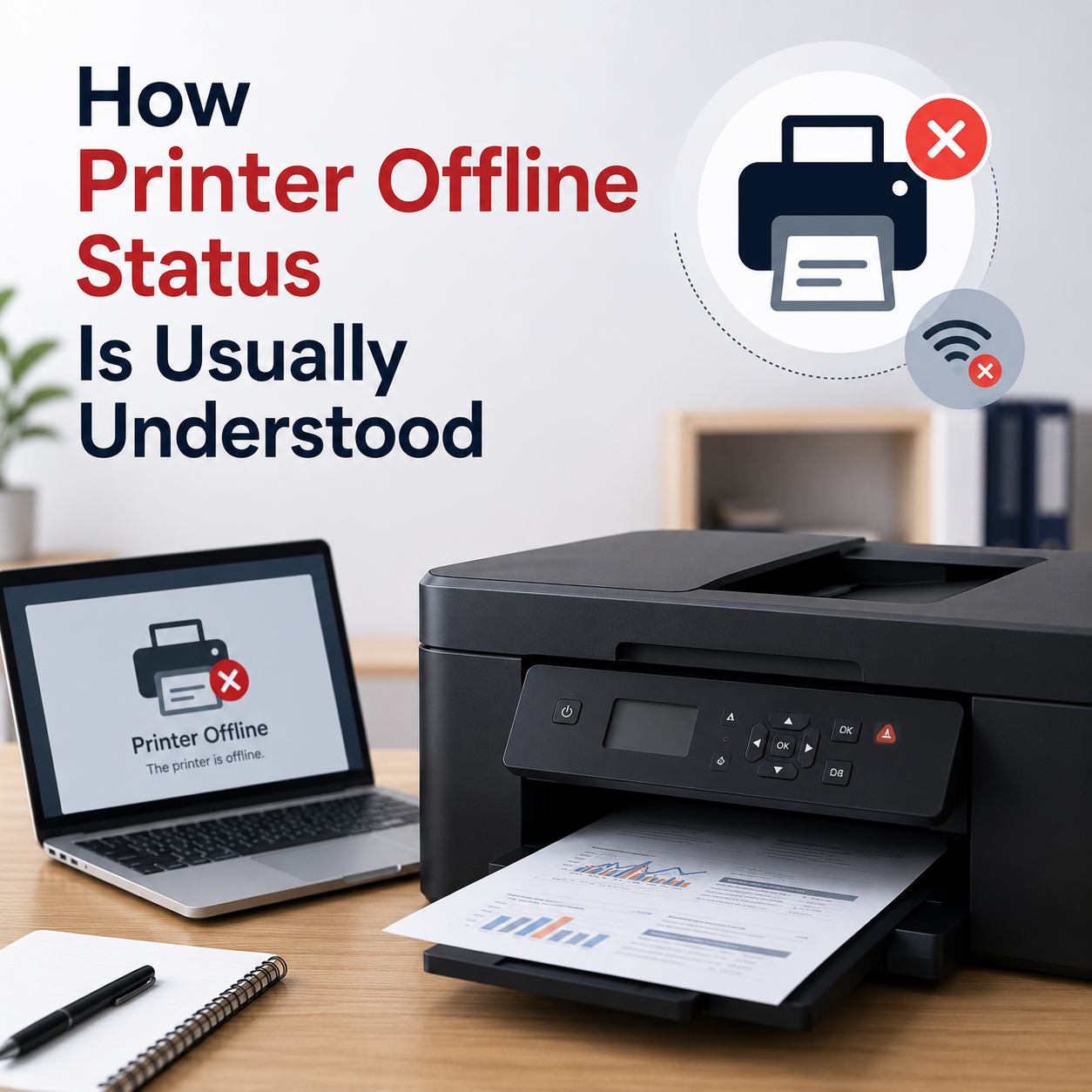
How Printer Offline Status Is Usually Understood
Learn what printer offline status may mean, how print queues work, why connection status matters, and how printer settings are commonly shown in Windows.